Fit Cut Pro Video Tutorials
Eight short walkthroughs of the whole product, from your first workout video to the AI Editor that cuts a class you already filmed, and the timer running live inside Zoom. Every one is a real screen-by-screen recording with narration, and each has a written transcript underneath if you would rather read it.
 1:57
1:57How to Make Your First Workout Video
The complete golden path, start to finish: clips, workout, design, export.
 1:35
1:35How to Add Timers to a Workout Video Automatically
One recording in, a finished workout video out: the AI finds every exercise and rest, you check the cues and export.
 1:29
1:29How to Build Your Exercise Clip Library
Cut one long recording into named, reusable exercise clips.
 1:13
1:13How to Record a Workout Video With a Live Timer
Film yourself with the timer and graphics already burned in.
 1:20
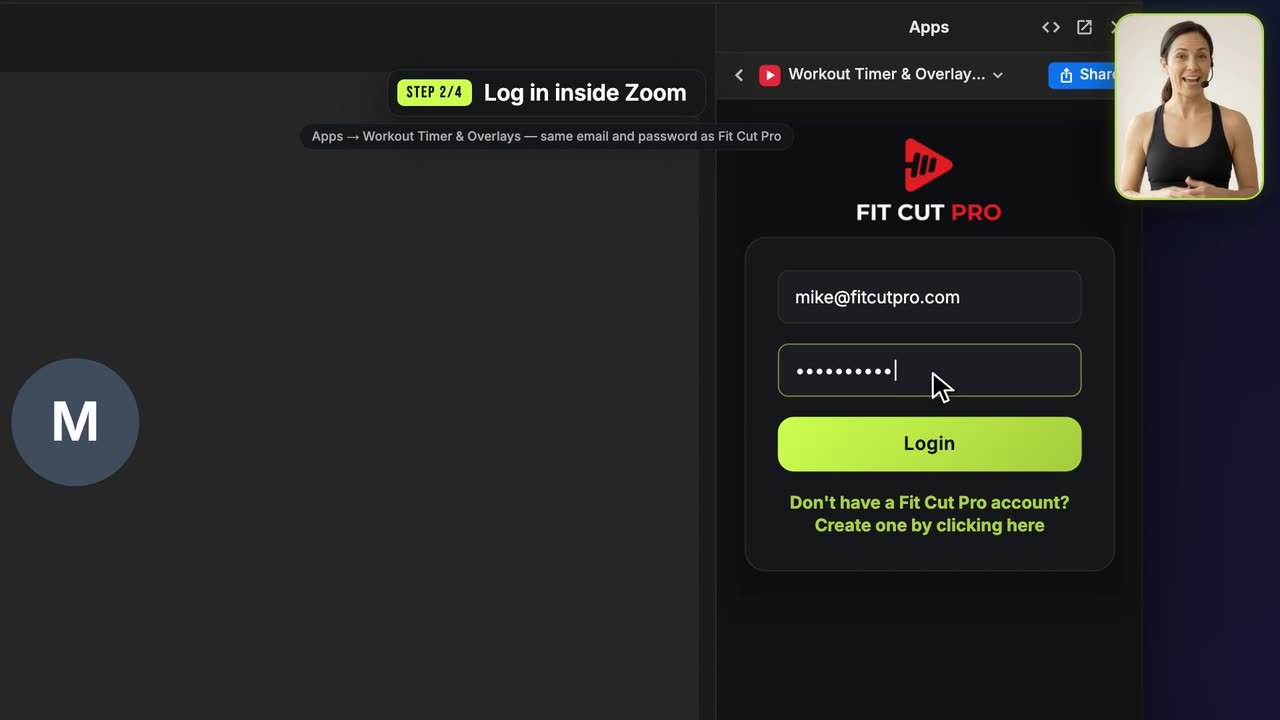
1:20How to Set Up the Zoom Workout Timer
Put the countdown timer on your camera during a live Zoom class.
 1:21
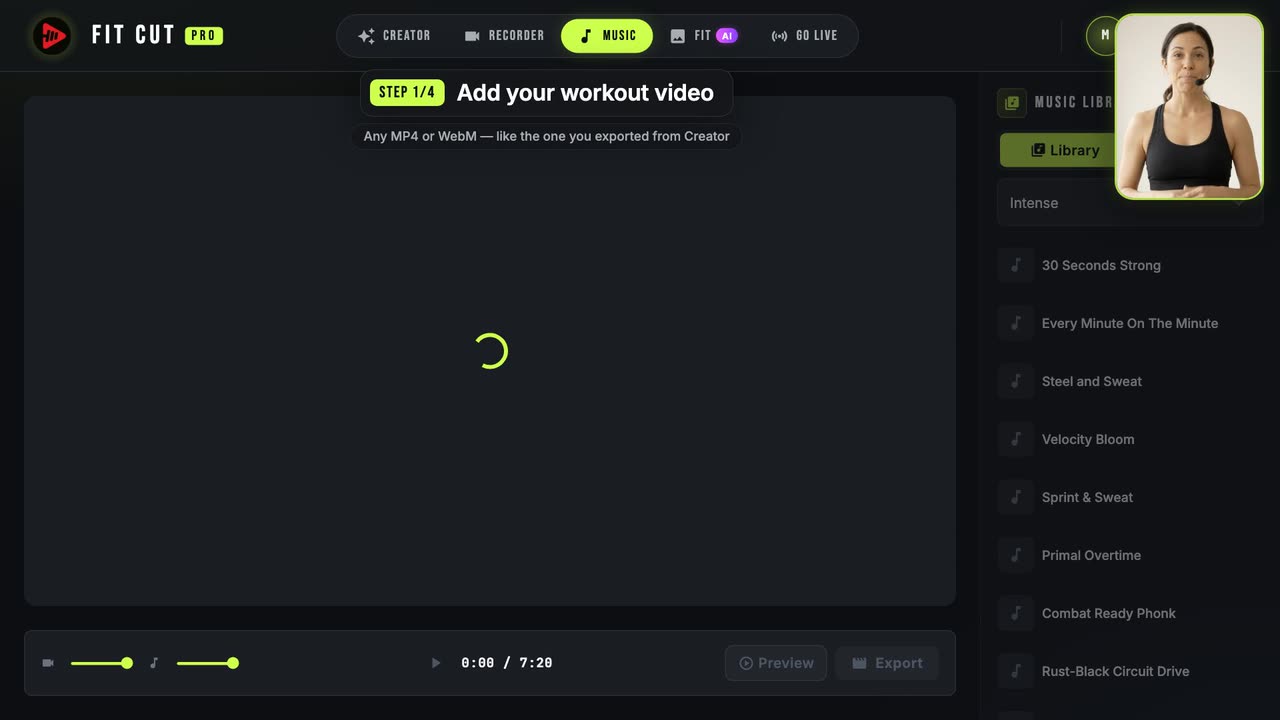
1:21How to Add Music to a Workout Video
Drop a licensed track under a finished workout video and mix it.
 3:04
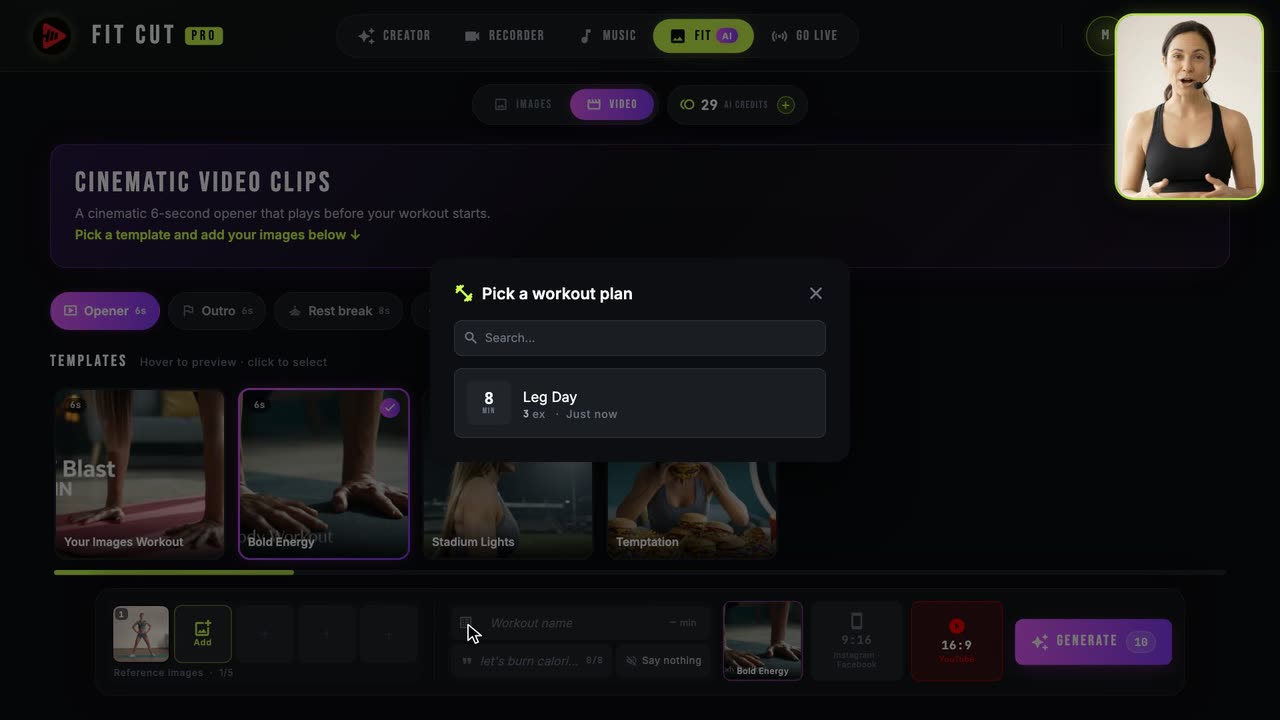
3:04How to Generate Workout Thumbnails, Video Openers, Outros and Rest Clips with AI
Thumbnails plus six kinds of AI clip — openers, outros, rest loops, teasers, Wild and Freestyle — from your own footage.
 0:43
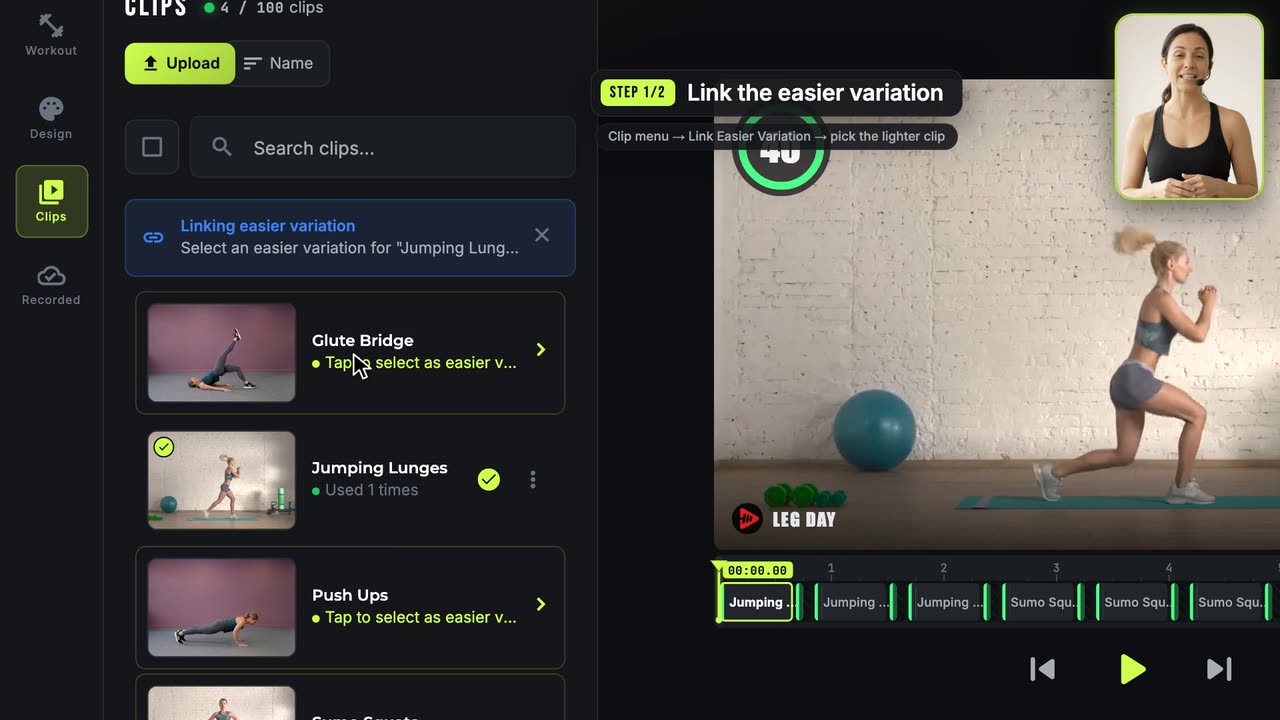
0:43How to Show an Easier Exercise Variation
One workout, two ability levels, picture-in-picture.